🖼️ Magic Image Placement
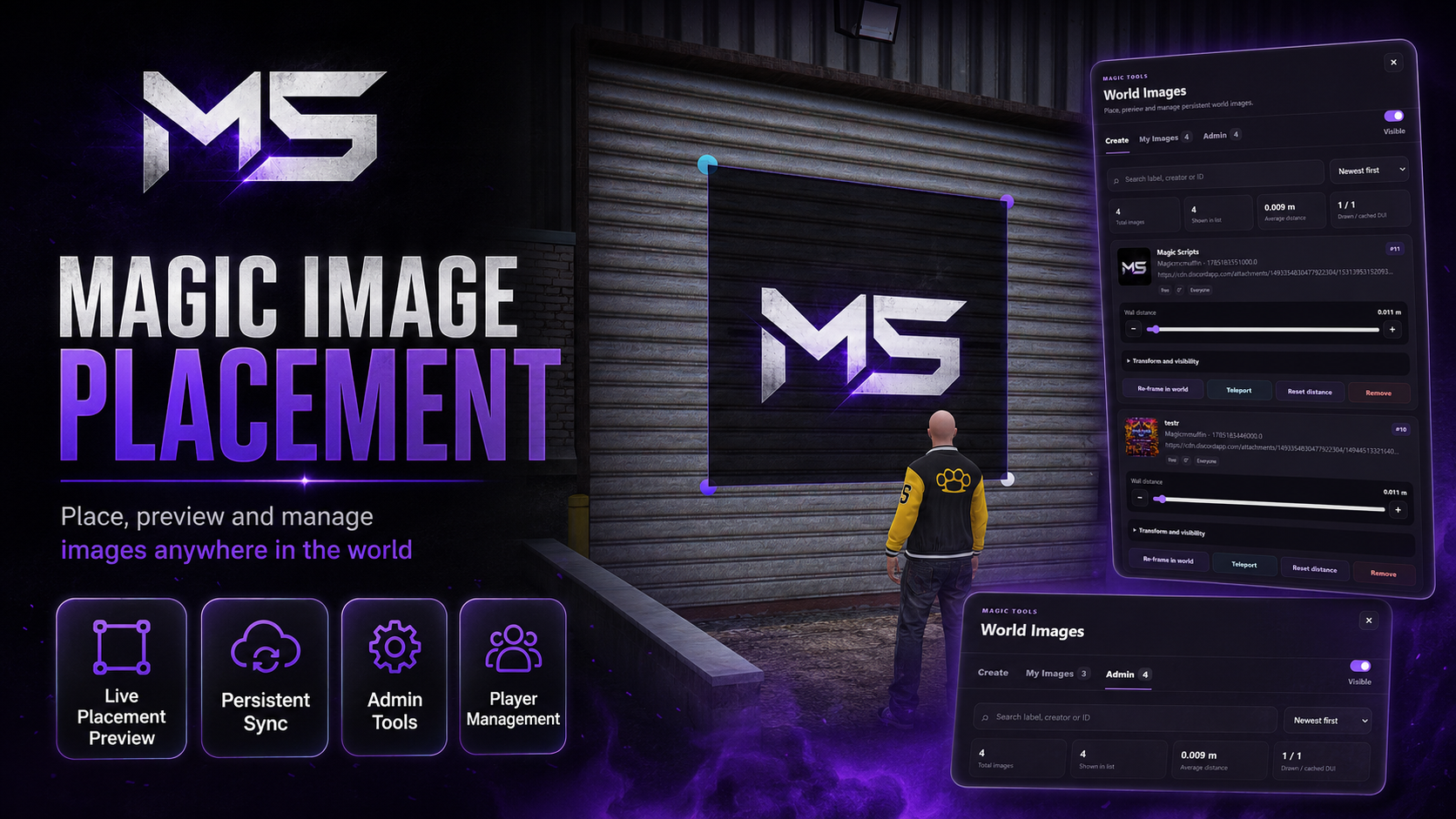
Magic Image Placement is a complete world-image placement system for FiveM, allowing players and staff to add custom images to walls, buildings, signs, interiors, and other surfaces.
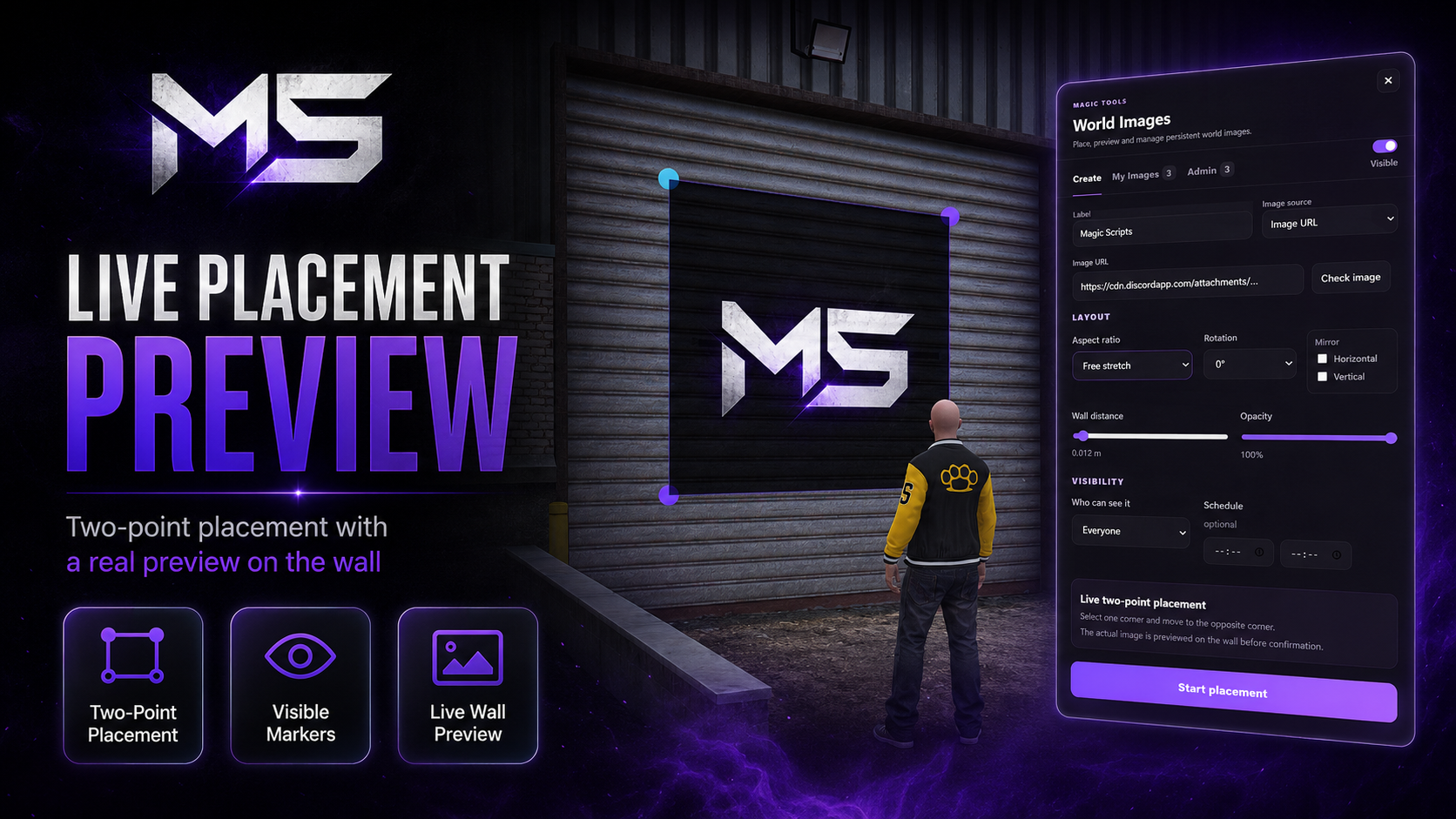
Using a fast two-point placement system, users select one corner, drag to the opposite corner, and confirm the image through a live in-world preview.
Features
Persistent world images
Full player synchronisation
Two-point corner placement
Live placement preview
Visible placement markers and aiming laser
Image URL and file upload support
PNG, JPG, JPEG, WEBP, and GIF support
Adjustable width and height
Surface-distance adjustment
Multiple aspect-ratio options
Image rotation
Horizontal and vertical mirroring
Adjustable opacity
Double-sided rendering
Reposition and resize existing images
Automatic loading and error handling
Distance-based image streaming
Secure server-side validation
Image activity logging
Player Management
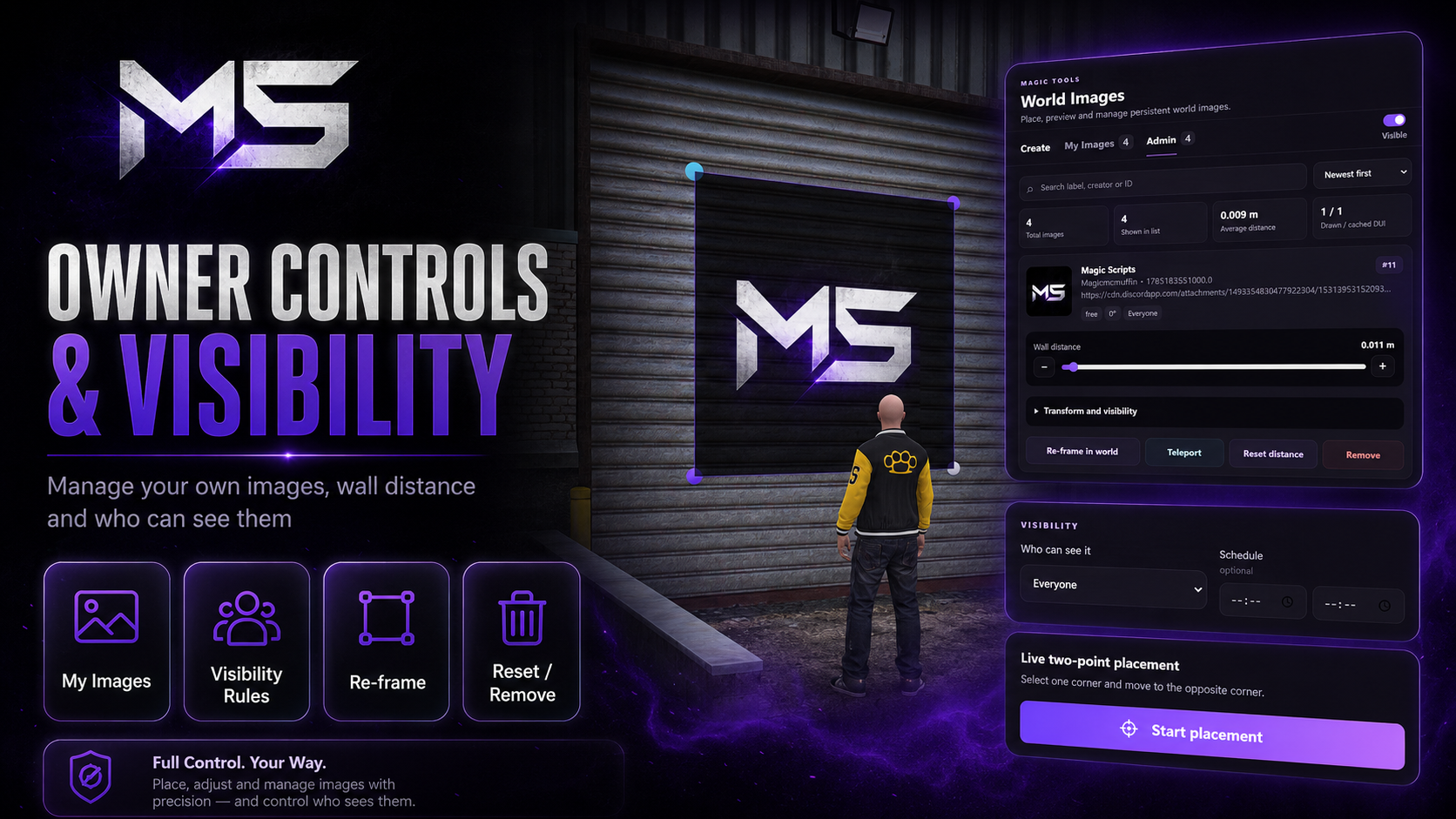
Players can manage their own placed images through the My Images panel.
Available options include:
View placed images
Teleport to an image
Reposition images
Resize images
Adjust wall distance
Change rotation
Mirror images
Change opacity
Update aspect ratio
Remove owned images
All ownership checks are validated on the server.
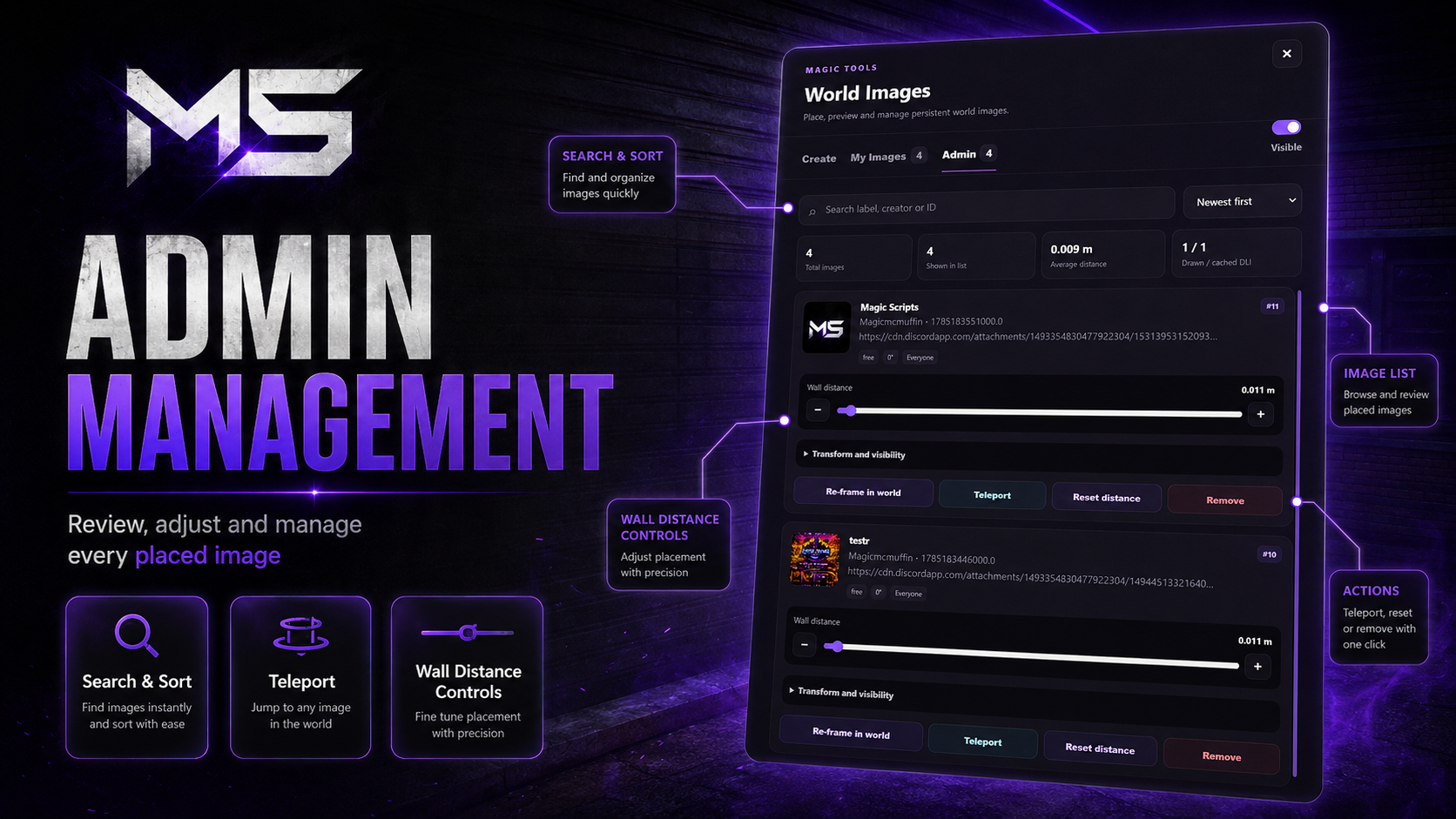
Admin Features
Administrators can:
View all placed images
Search, filter, and sort records
View image thumbnails
Review creator information
Teleport to images
Reposition and resize images
Adjust opacity and wall offset
Rotate or mirror images
Configure visibility restrictions
Remove images
Review activity logs
Visibility Controls
Images can be restricted by:
Job
Gang
Player identifier
ACE permission
Routing bucket
Scheduled display time
Public or private access
Visibility rules are processed server-side so players only receive images they are authorised to view.
Automatic Cleanup
Optional automatic cleanup can:
Remove expired images
Delete associated uploaded files
Synchronise removals with players
Record automatic deletion activity
Compatibility
Frameworks
✅ Qbox
✅ QBCore
✅ ESX
✅ Standalone
Supports
✅ ox_lib
✅ oxmysql
✅ ACE permissions
✅ Routing buckets
✅ Direct image uploads
✅ Remote image URLs
Configuration
Server owners can customise:
Placement permissions
Player image limits
Upload limits
Maximum file sizes
Supported image types
Placement distance
Render distance
Maximum active textures
Texture cleanup
Visibility rules
Automatic deletion
Commands
Notifications
Logging
Admin permissions
Perfect For
Event posters
Business menus
Advertisements
Custom signage
Server announcements
Community artwork
Interior decoration
Gang or job notices
Roleplay scenes
Temporary event content
Support
Need help?
Join our Discord community for support, updates, and announcements.