⏸️ Magic Pause Menu
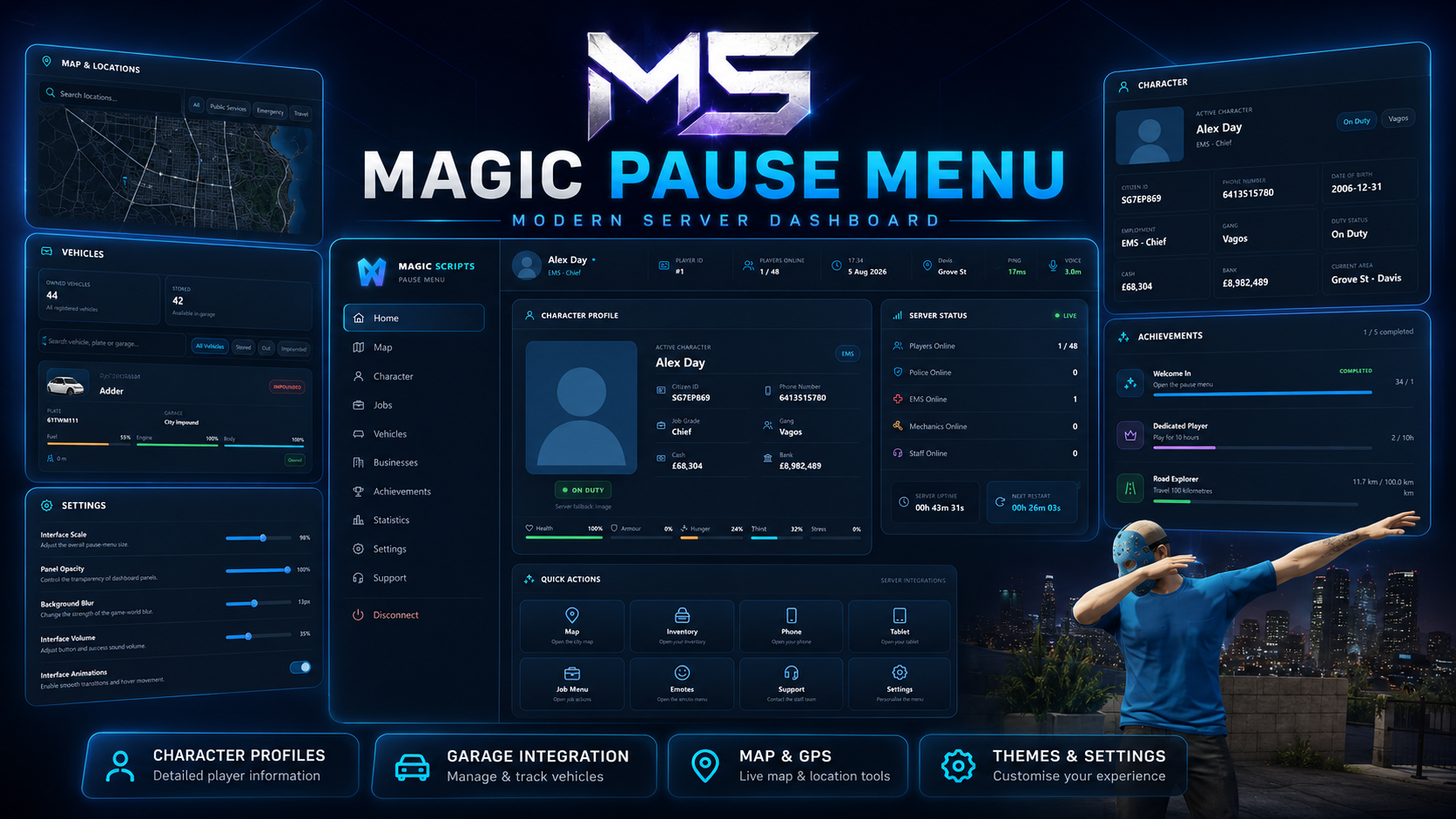
Magic Pause Menu replaces the standard pause experience with a complete player dashboard for FiveM. Players can view character information, check owned vehicles, browse server locations, access connected resources, manage interface settings, and contact staff through one polished menu.
Designed for modern roleplay servers, it combines server information, player progression, garage access, quick actions, support tools, and full branding control in a responsive interface.
Features
Complete custom pause menu
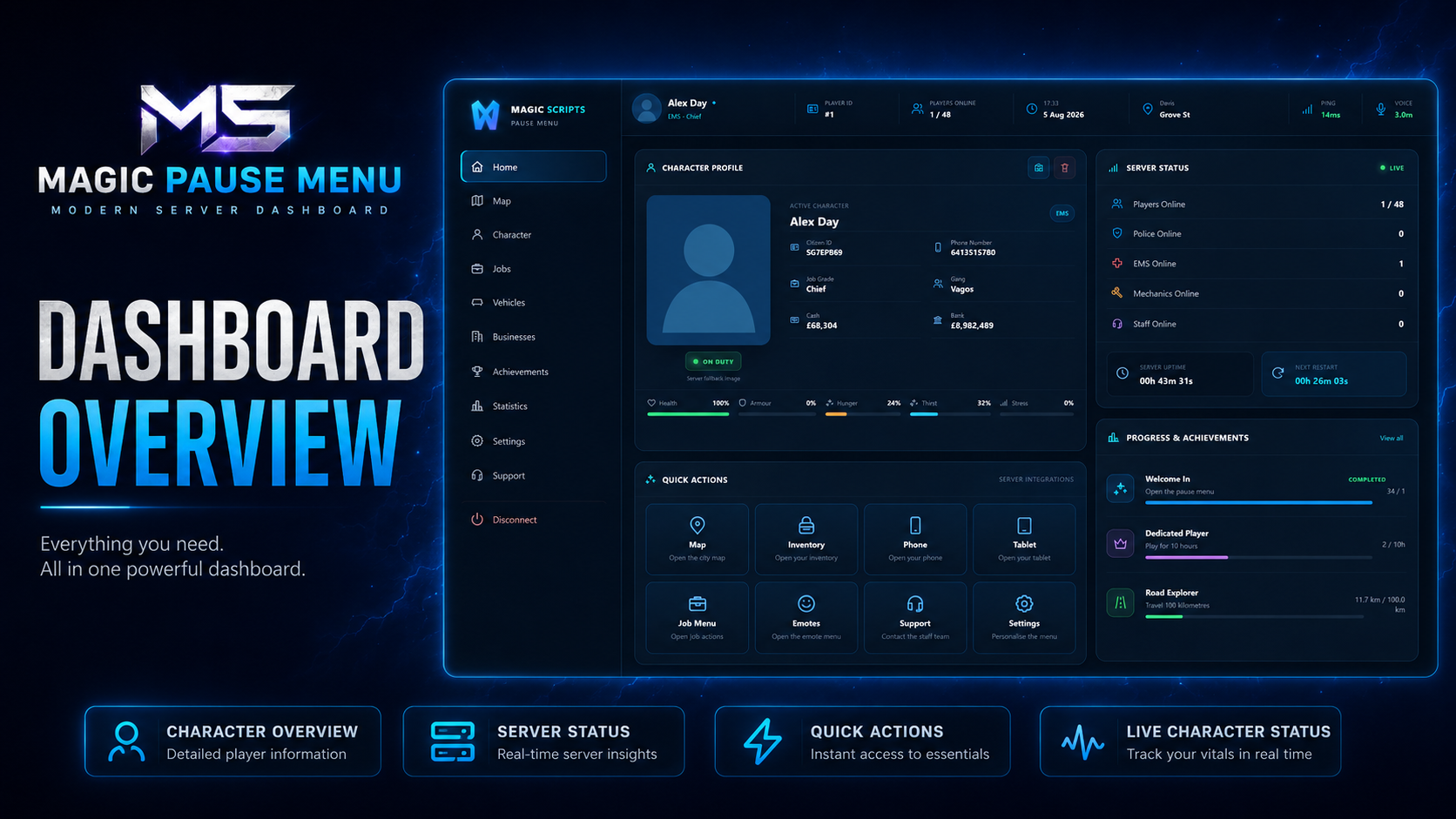
Character and server dashboard
Configurable player avatars
Saved character photographs
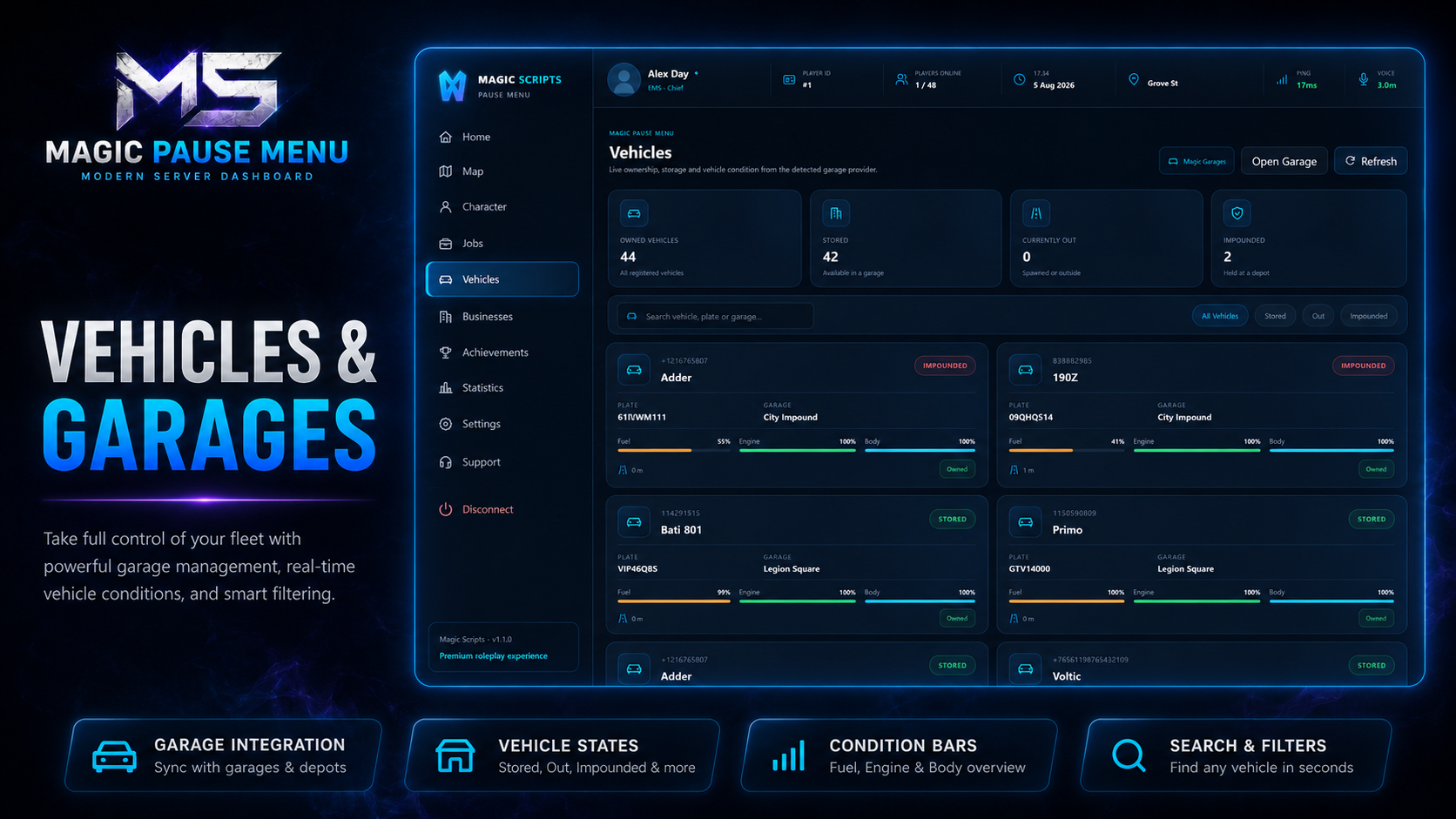
Owned vehicle browser
Multiple garage integrations
Interactive server map
Quick resource actions
Player statistics
Achievement tracking
Interface settings
Support request system
Multi-character support
Custom server branding
Responsive layouts
Secure server-side validation
Lightweight performance
Player Dashboard
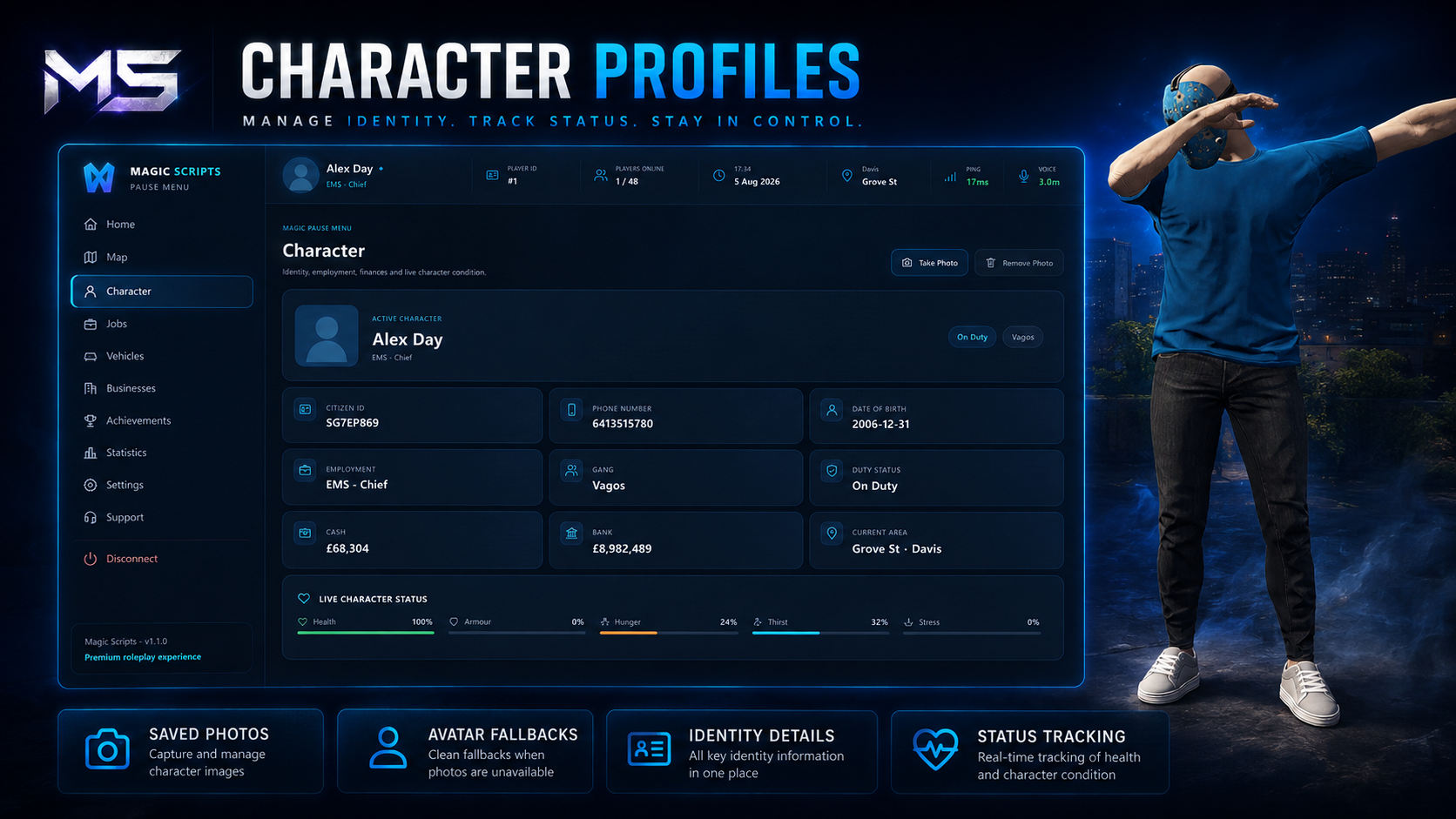
Players can view:
Character name
Character identifier
Job and grade
Duty status
Gang information
Cash and bank balances
Health and armour
Hunger, thirst, and stress
Current street and location
Player ID and ping
Voice status
Online player count
Police, EMS, mechanic, and staff availability
Server uptime
Restart countdown
Character Profiles
Character portraits use configurable avatars by default, avoiding low-quality native headshots and camera flickering.
Supported options include:
Male avatar
Female avatar
Neutral fallback avatar
Custom server avatars
Saved character photos
In-menu photo capture
Photo retakes
Photo removal and reset
Separate images for each character
Automatic gender detection
Vehicle & Garage Integration
Players can view their owned vehicles directly from the menu.
Vehicle information can include:
Vehicle name
Registration plate
Current garage
Stored, outside, or impounded state
Fuel level
Engine condition
Body condition
Mileage
Finance status
Garage waypoint
Garage actions
Supported garage systems include:
Magic Garage
Qbox garages
QBCore garages
JG Advanced Garages
Codesign Garage
okokGarage
Quasar garages
RCore Garage
Renewed Garages
ESX garage systems
Custom garage providers
Optional database fallback
Menu Pages
The interface includes dedicated pages for:
Home
Map
Character
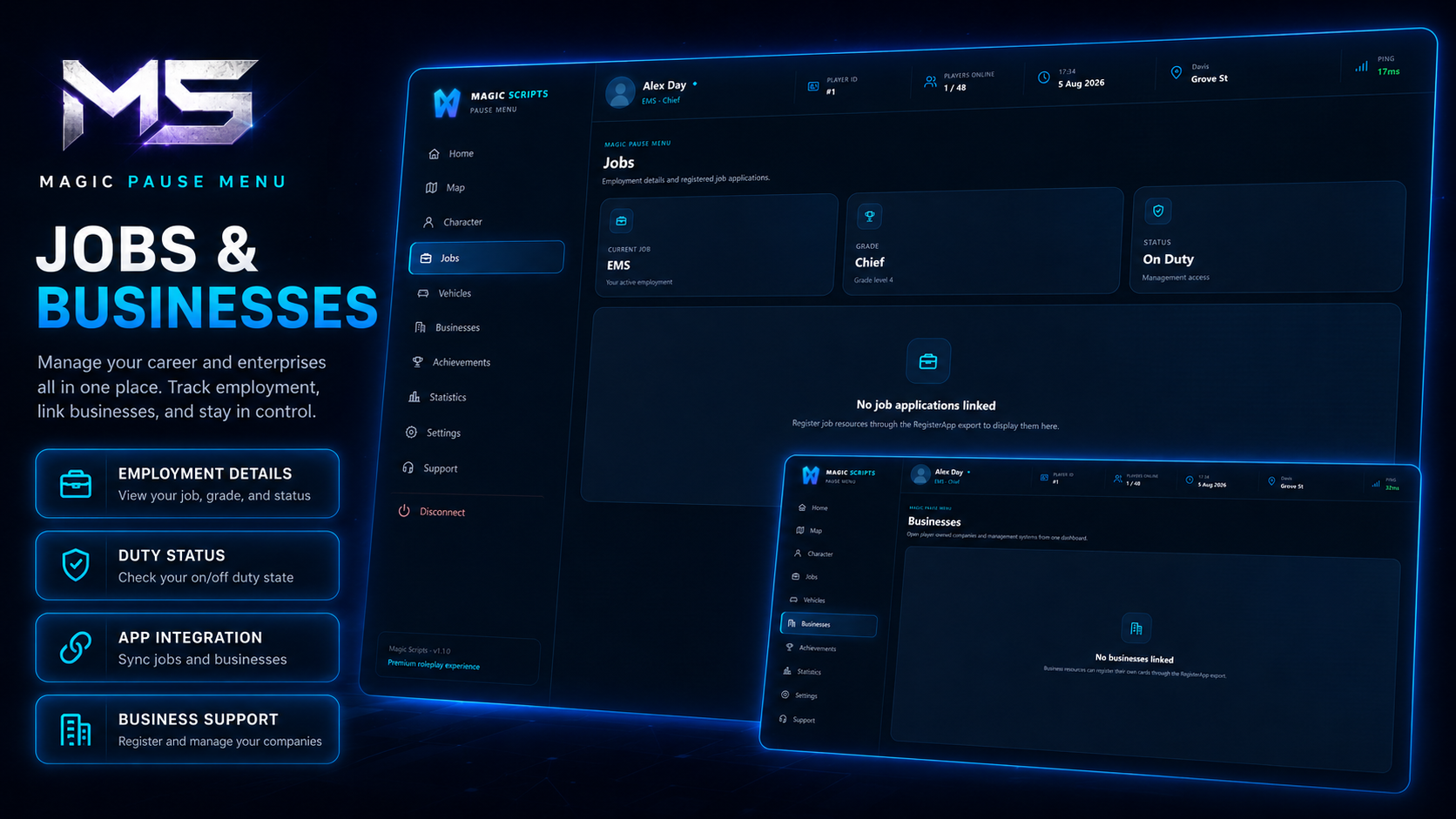
Jobs
Vehicles
Businesses
Achievements
Statistics
Settings
Support
Disconnect
Each page has independent scrolling and responsive layouts for standard, ultrawide, and 4K resolutions.
Interactive Map
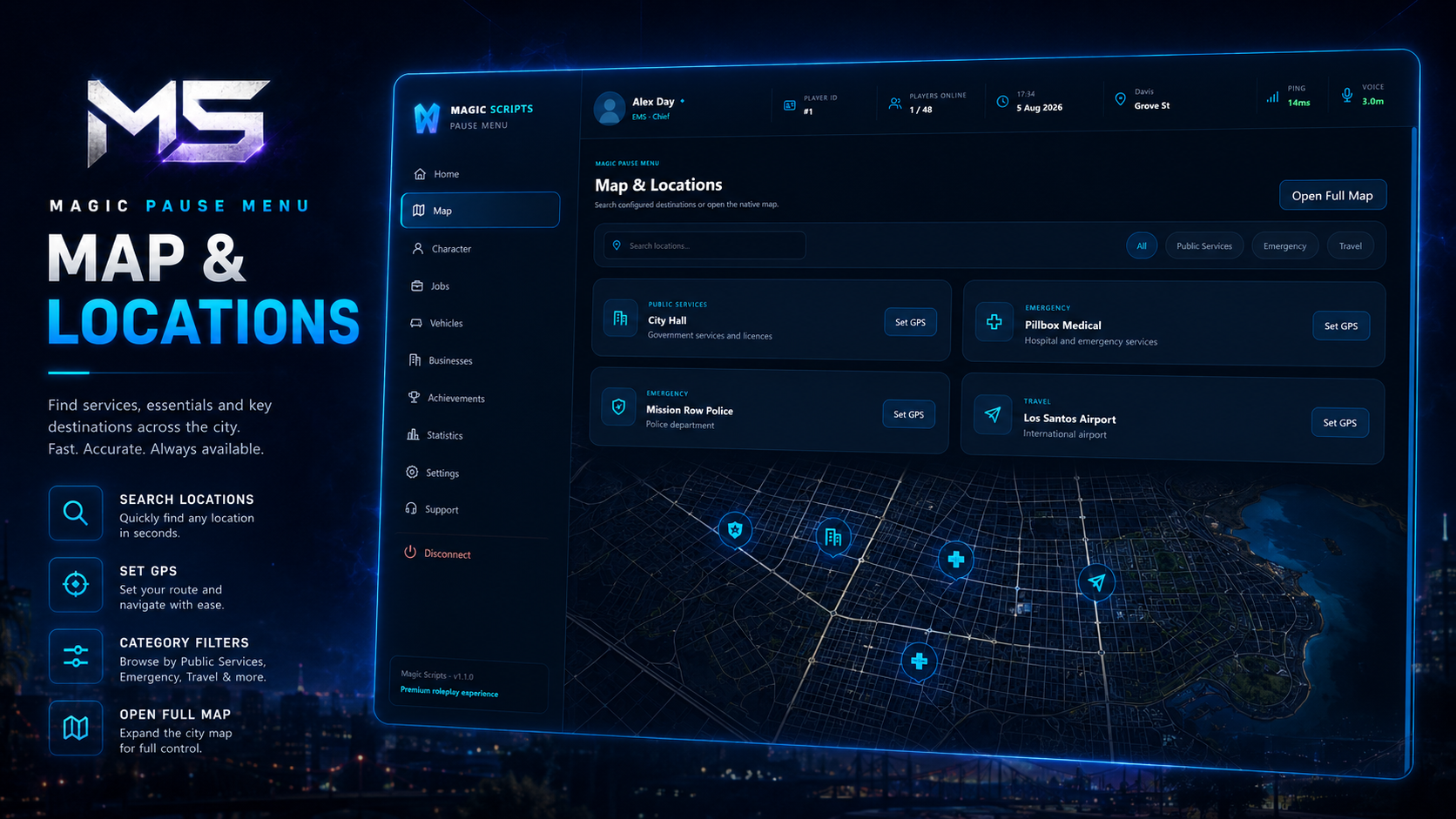
Players can browse configured locations and set GPS waypoints.
Locations can be grouped into categories such as:
Public services
Garages
Jobs
Businesses
Shops
Properties
Custom landmarks
Search and filtering make larger location lists easy to navigate.
Quick Actions
Configurable dashboard buttons can open:
Map
Inventory
Phone
Tablet
Job menu
Emotes
Wardrobe
Settings
Reports
Custom server resources
Unavailable integrations can be hidden automatically.
Statistics & Achievements
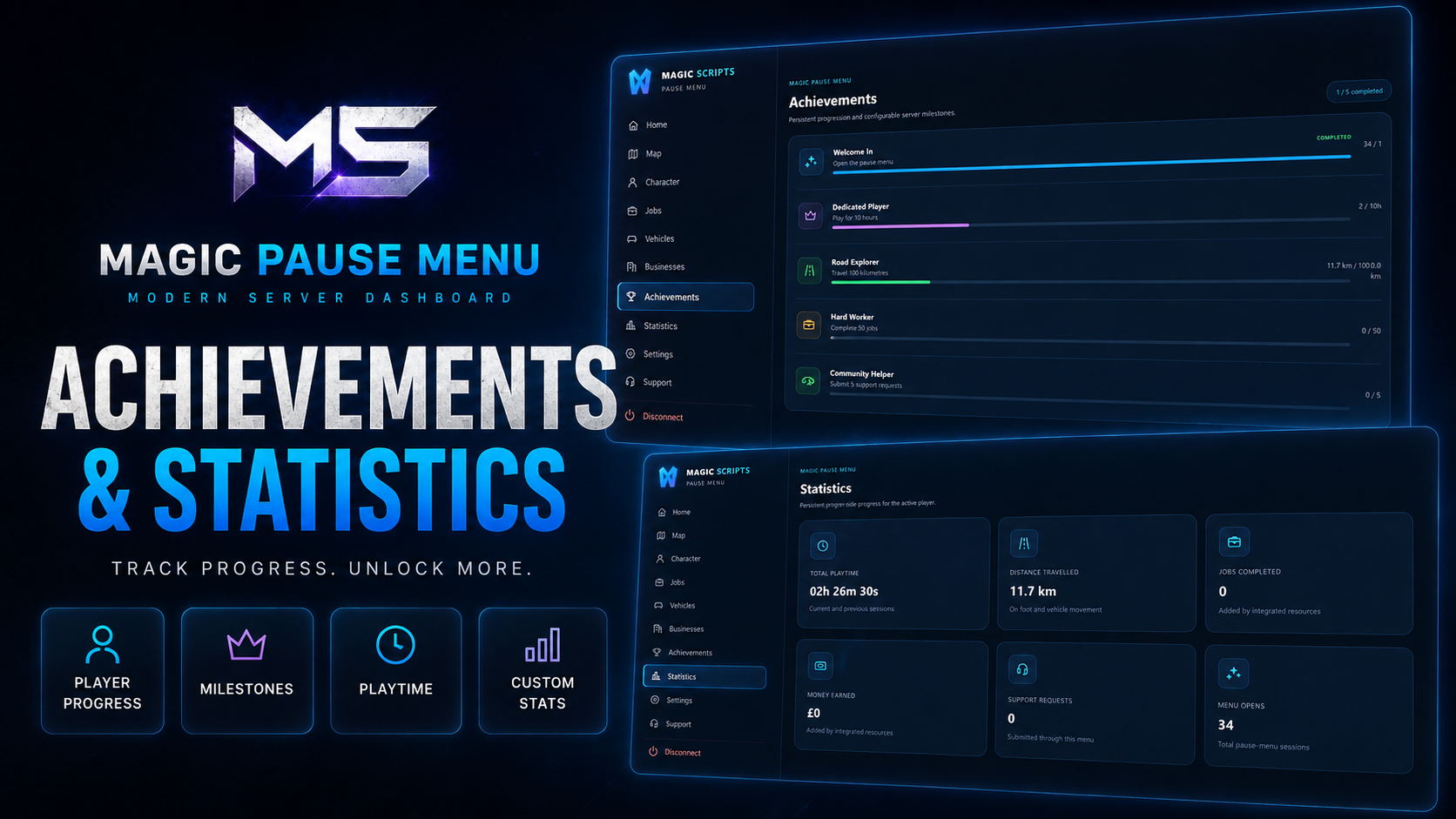
Players can view configurable progression information, including:
Total playtime
Jobs completed
Distance travelled
Money earned
Money spent
Vehicles owned
Achievement progress
Completed milestones
Custom resource statistics
Other resources can register additional actions, applications, statistics, and achievements.
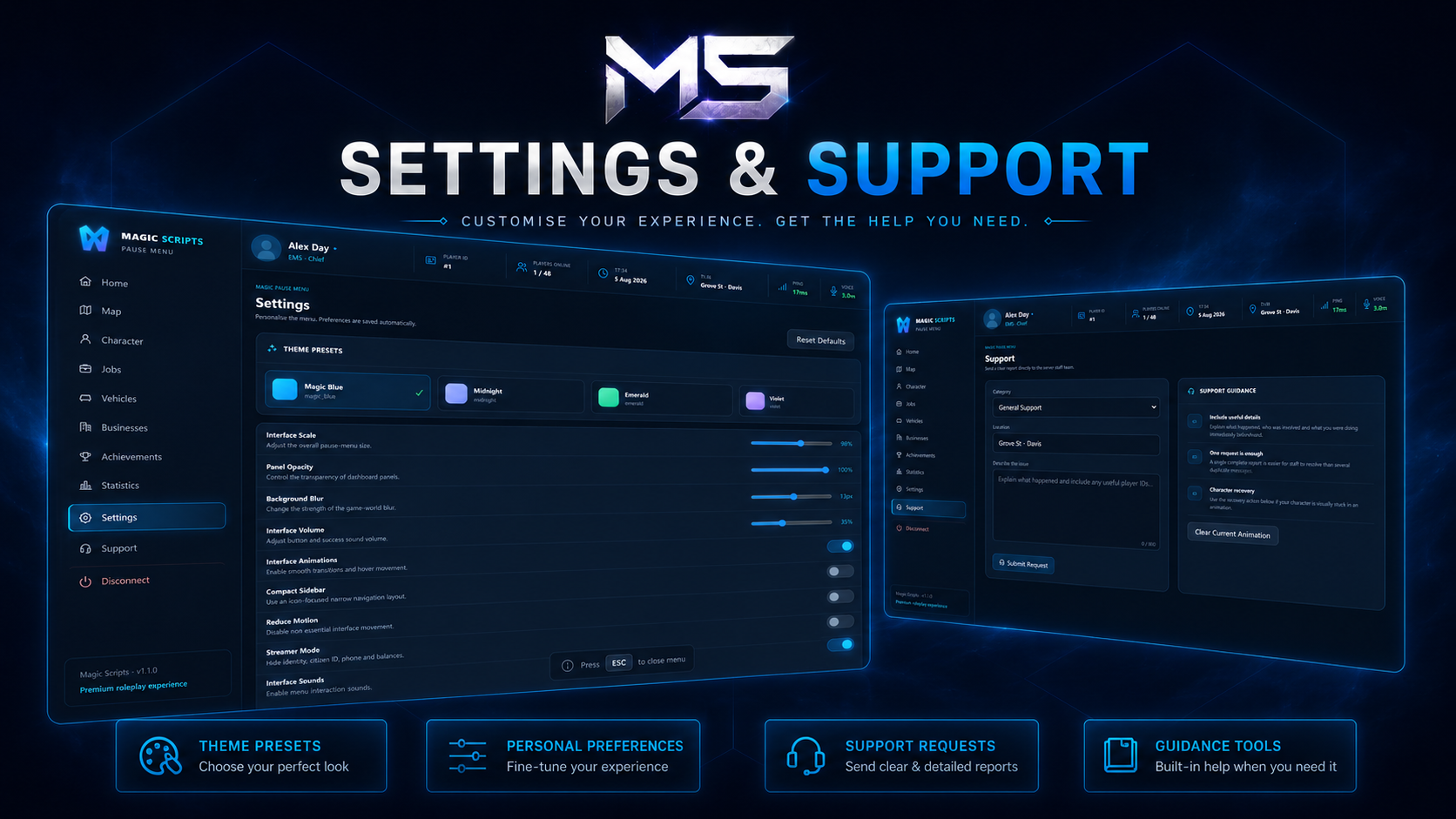
Interface Customisation
Players can personalise:
Interface scale
Panel opacity
Background blur
Sound effects
Compact navigation
Reduced motion
Streamer mode
Theme
Background image
Dashboard watermark
Last opened page
Server Branding
Server owners can customise:
Main logo
Compact logo
Server name
Menu title
Subtitle
Footer text
Background image
Dashboard watermark
Male, female, and neutral avatars
Accent colours
Panel colours
Status colours
Support System
Players can submit support requests from the menu.
Features include:
Configurable report categories
Message validation
Submission cooldowns
Coordinate information
Server-side validation
Optional Discord webhooks
Staff notifications
Clear success and error feedback
Compatibility
Frameworks
✅ Qbox
✅ QBCore
✅ ESX
✅ Standalone fallback
Integrations
✅ ox_lib
✅ Optional oxmysql
✅ Optional screenshot-basic
✅ ACE permissions
✅ Multi-character systems
✅ Configurable garage providers
✅ Custom resource actions
Configuration
Server owners can customise:
Menu pages
Player information
Dashboard actions
Garage integrations
Map locations
Statistics
Achievements
Themes
Player settings
Support categories
Branding
Avatars
Background images
Status colours
Commands
Permissions
Webhooks
Debug settings
Perfect For
Serious roleplay servers
Economy servers
Public communities
Whitelisted servers
Multi-character servers
Servers with multiple connected resources
Custom branded communities
Servers replacing the default pause menu
Support
Need help?
Join our Discord community for support, updates, and announcements.